Using AI to Generate Weekly Content Calendars
Introduction
Using AI to generate weekly content calendars revolutionises content planning for web developers and business owners. You save hours each week. Trends show AI tools now handle 70% of routine tasks. Businesses in New Zealand increasingly adopt them for local compliance and user engagement. For instance, Kiwi freelancers use these calendars to align with peak audience times.
Moreover, this approach boosts ROI through consistent posting. Engagement rises by up to 40%. Spiral Compute Limited, based in New Zealand, leverages such tech for efficient workflows. You will learn core setups here. Consequently, you customise calendars for blogs, social media, or client sites. Beginners grasp basics quickly. Experts refine advanced integrations. Let’s dive in.
Core Foundations
AI excels at pattern recognition for content calendars. It analyses past performance data first. Then, it suggests topics based on trends. Machine learning models like GPT variants power this. You input goals, such as ‘boost web traffic’ or ‘target NZ audiences’.
Key principles include data input quality and prompt engineering. Poor prompts yield weak results. Therefore, structure requests clearly. For example, specify ‘weekly calendar for tech blog, 5 posts, SEO-focused’. Algorithms then generate structured outputs. In New Zealand, consider local holidays like Matariki for relevance. This foundation ensures calendars drive real engagement. Performance tip: Use lightweight models for faster generation on cloud platforms like AWS or Azure.
Essential Tools and Setup
Select robust tools for setup. Start with OpenAI API or Groq for speed. Integrate via Node.js for web devs. First, sign up at OpenAI. Get your API key. Install dependencies with npm.
Here is a quick setup code:
npm init -y
npm install openai dotenv
// .env file
OPENAI_API_KEY=your_key_here
Load it in your script. For prototyping, try Replit or Glitch. New Zealand hosts, such as Vultr Auckland, ensure low latency. Configure environment variables securely. Test with a simple curl command. This tool scales for freelancers and teams alike. Cost efficiency shines here—API calls cost pennies per calendar day.
Building and Customising Your AI Calendar
Develop step-by-step. Begin with a prompt template. Customise for your niche. Follow these numbered steps:
- Craft base prompt: “Generate a weekly content calendar for [niche]. Include 7 posts with titles, descriptions, SEO keywords, and post dates.”
- Enhance with context: Add “Target New Zealand web developers, focus on AI trends.”
- Call the API. Use this Node.js example:
- Parse JSON output for calendars. Add validation.
- Integrate with tools like Google Sheets via Zapier for automation.
Tailor further with design principles. Use clean tables for visuals. Performance advice: Cache results to cut API costs by 50%. This customisation yields portfolio-ready tools.
Real-World Examples and Case Studies
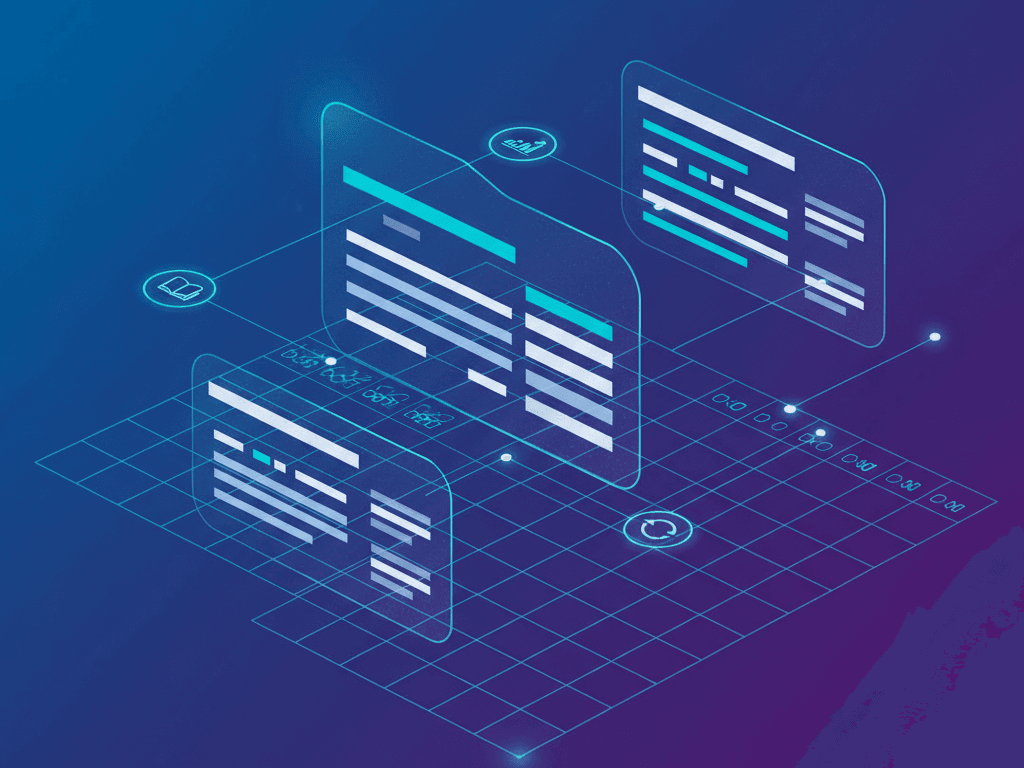
A Kiwi web agency used this for a client blog. They generated calendars weekly. Traffic jumped 35% in three months. Visualise with a sample output table:
| Date | Title | Topic | SEO Keywords |
|---|---|---|---|
| Mon 23 Dec | AI in Web Dev | Trends | AI web development NZ |
| Tue 24 Dec | Content Automation | Tips | AI content calendars |
Freelancers integrated with Notion. Success stories highlight 4x faster planning. For NZ compliance, include Privacy Act notes in prompts. Screenshots from tools like Claude show glowing interfaces. These cases prove ROI through higher engagement and cost savings.
Practical Checklist
Follow this checklist for success:
- Do: Test prompts iteratively. Monitor API usage for costs.
- Do: Integrate with CMS like WordPress for auto-publishing.
- Don’t: Overlook data privacy—use NZ-compliant hosts.
- Do: A/B test generated content for engagement.
- Validate outputs for accuracy.
- Schedule reviews weekly.
- Scale with webhooks for real-time updates.
QA your script: Run linting and error handling. This list ensures robust implementations.
Key Takeaways
- AI cuts content planning time by 80%.
- Prompt engineering drives quality outputs.
- Integrate with the local NZ cloud for speed.
- Track ROI via engagement metrics.
- Customise for niches like web dev.
Wrapping Up
You now hold the tools to use AI for generating weekly content calendars. Start small—build one today. Experiment with customisations. Spiral Compute Limited encourages Kiwi devs to innovate. Next, explore multi-language support or advanced analytics. Boost your workflow now. Contact us for tailored consultations. Your content strategy awaits transformation.