Improving Patient Outcomes with Telehealth Appointment Systems
Introduction—Improving Patient Outcomes with Telehealth Appointment Systems
Improving patient outcomes with telehealth appointment systems starts with clear goals and a patient-centred design. Telehealth now reduces travel and increases access across New Zealand’s cities and provinces, and adoption continues to grow. For developers and designers, this means balancing performance, privacy, and usability. Moreover, clinicians expect reliability and simple workflows. Consequently, modern systems favour modular architectures and standards like FHIR. At the same time, patients value fast load times and clear instructions. Therefore, designers must prototype interactions early and test with real users. Lastly, the trends show video consultations, integrated scheduling, and asynchronous messaging driving better adherence and lower no-show rates.
The Foundation
The foundation of any telehealth appointment system combines five core elements: scheduling, secure video, patient records, notifications, and analytics. First, scheduling threads for calendar sync, time zones, and cancellations. Next, secure video relies on WebRTC or platforms like Twilio and Jitsi. Integration with electronic health records uses standards such as FHIR and HL7. Additionally, authentication and consent must meet the New Zealand Privacy Act 2020 and local health rules. For performance, use CDNs and adaptive bitrate video. For design, apply accessibility and error-tolerance patterns. Finally, track outcomes and engagement to iterate; metrics include completion rates, satisfaction, and clinical KPIs.
Configuration and Tooling
Choose tools that speed development and scale reliably. For real-time: WebRTC with signalling via Socket.IO, or managed APIs like Twilio Video and 8×8. For auth, use Auth0 or Keycloak. For backend and data use PostgreSQL, Firebase, and FHIR servers are used. Containerise with Docker and orchestrate with Kubernetes. Prototype UI in Figma or Adobe XD. For NZ hosting, pick regions in New Zealand or nearby Australia for latency and compliance; AWS and Google Cloud provide local options. Also, monitor with Prometheus and Grafana. In addition, optimise assets with lazy loading and compress video streams to lower bandwidth for rural patients.
Development and Customisation — Improving Patient Outcomes with Telehealth Appointment Systems
Start with a minimal viable product that proves value quickly. Build an API for booking, then add video and reminders. Below is a simple Express scheduling endpoint for demonstration. Use HTTPS and OAuth in production.
const express = require('express');
const bodyParser = require('body-parser');
const app = express();

app.use(bodyParser.json());

app.post('/api/book', (req, res) => {
  const {patientId, clinicianId, time} = req.body;
  // validate and store booking here
  res.json({status: 'confirmed'});
});

app.listen(3000);
Next, add signalling via Socket.IO and integrate a WebRTC client such as simple-peer. Design the UI as a progressive web app so patients can join appointments from phones. Also, add offline fallbacks and clear error states. Finally, test with device farms and real clinician workflows to ensure reliability.
Real-World Examples / Case Studies — Improving Patient Outcomes with Telehealth Appointment Systems
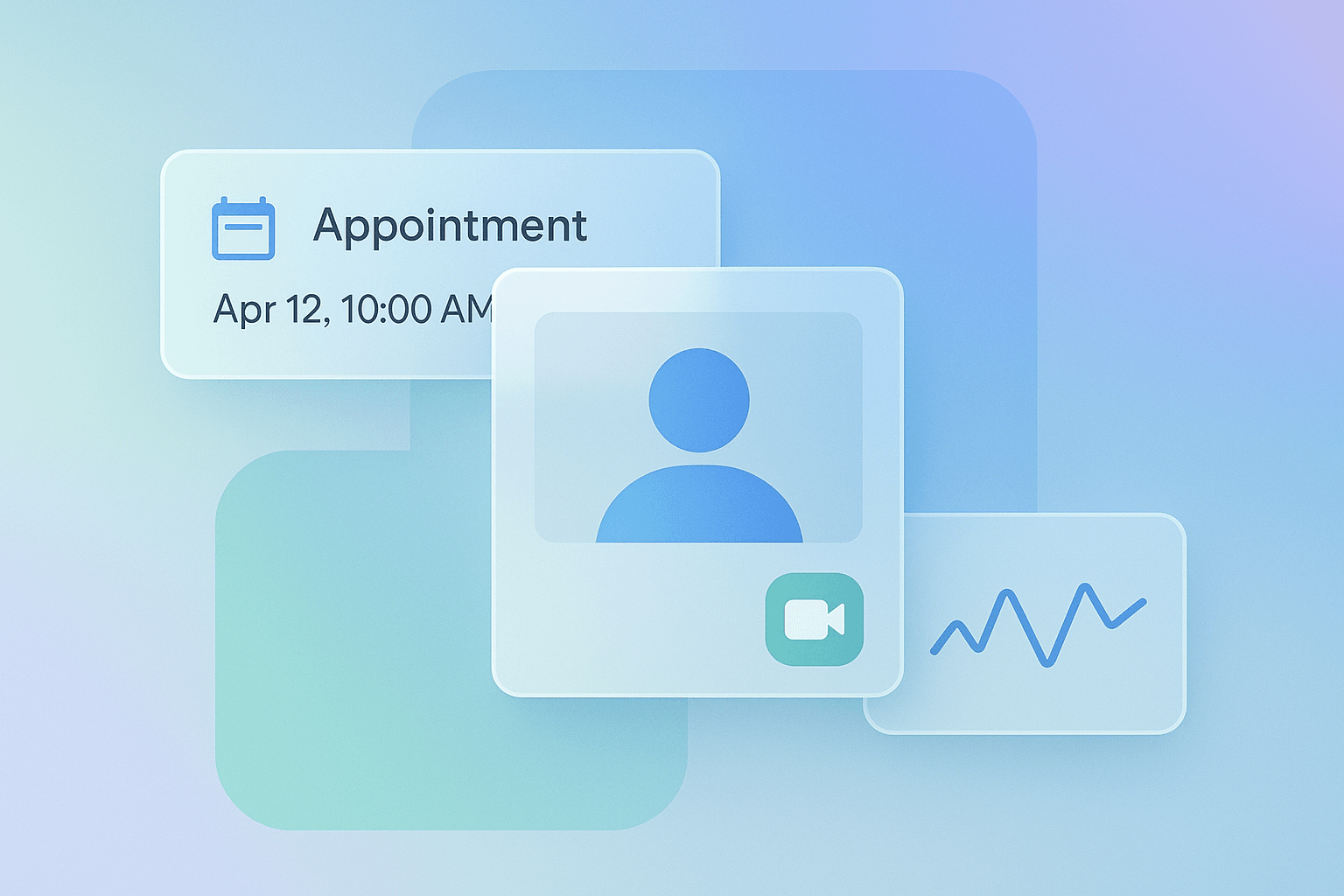
In practice, a mid-size NZ clinic cut no-shows by 35% after launching reminders and easy rescheduling. They used a serverless backend and Twilio Video to reduce ops costs. As a result, clinician utilisation rose, and patient satisfaction improved. Another example: a rural practice combined appointment scheduling with remote monitoring. Consequently, clinicians detected deterioration earlier and avoided admissions. Use dashboards that show appointment flow, wait times, and patient feedback. Visuals can include appointment cards, clinician availability heatmaps, and simple outcome graphs. For portfolio work, show before/after metrics, user journeys in Figma, and the production deployment diagram. Emphasise cost-efficiency and improved engagement to show ROI to stakeholders.
Checklist
Follow a QA checklist before launch and iterate continuously. Key items include: 1) security tests and encryption at rest and in transit, 2) privacy and consent workflows aligned to NZ law, 3) cross-device video tests, 4) load and latency testing, 5) accessibility audits, and 6) logging and monitoring. Do not assume default configurations; harden servers and rotate keys. Also, avoid overloading clients with heavy libraries; instead, lazy-load scripts and use tree-shaking. For UX, perform guerrilla testing with clinicians and patients. Below are concise key takeaways: Key takeaways — 1. Start small and measure outcomes. 2. Use standards like FHIR. 3. Prioritise security and local hosting. 4. Optimise video for rural users. 5. Prototype in Figma and test early. These points ensure you deliver value and control costs.
Conclusion
Telehealth appointment systems can directly improve patient outcomes when built with attention to design, security, and performance. For developers and designers, focus on modular systems, standards, and fast user journeys. For business owners, emphasise ROI via reduced no-shows and better clinician time. Next steps: prototype a booking flow in Figma, implement a secure scheduling API, and run a pilot with real patients. For NZ teams, choose local or nearby hosting and validate privacy compliance. Finally, iterate from metrics and user feedback to scale confidently.