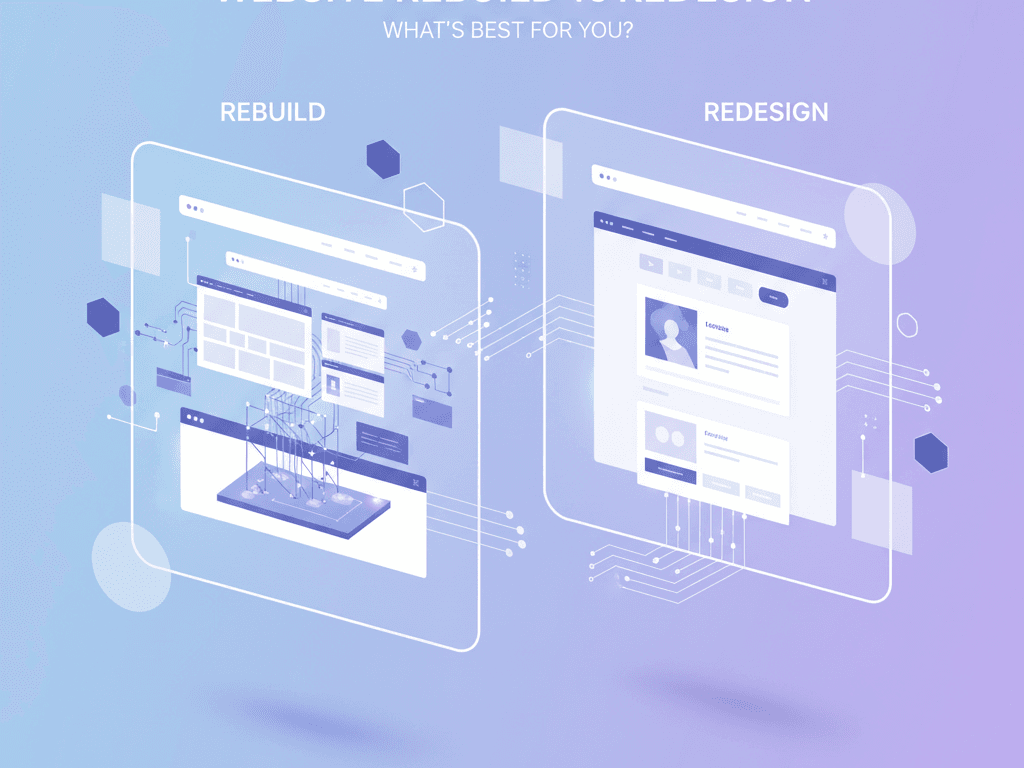
Website Rebuild vs Redesign: What’s Best for?
Introduction
Website rebuild vs redesign confuses many. Businesses often wonder which path suits them best. A redesign refreshes visuals and user experience. Meanwhile, a rebuild recreates the site from scratch. This choice matters hugely in 2025. Trends show mobile-first designs dominate. Users expect fast loads and seamless interactions. In New Zealand, Kiwi users prioritise local compliance like Privacy Act adherence. Spiral Compute Limited sees rising demand for scalable sites. Redesign saves time and money for minor updates. Rebuild shines for outdated tech stacks. Choose wisely to boost engagement and ROI. This article breaks it down. You’ll learn core differences. Plus, get tools, steps, and checklists. Whether you’re a freelancer or business owner, find clarity here. Trends like AI integration and PWAs influence decisions, too. Let’s dive in.
Core Concepts and Principles
Grasp the basics first. A redesign tweaks existing structures. It updates layouts, colours, and fonts. You keep the backend intact. This approach suits cosmetic changes. However, a website rebuild starts anew. Developers scrap old code. They build fresh with modern frameworks. Think React or Next.js. Why choose one? Redesign costs less upfront. It takes weeks, not months. Rebuild demands more investment. Yet, it future-proofs your site. Performance surges with clean code. SEO improves via semantic HTML. Design principles guide both. Follow mobile-first. Ensure accessibility with WCAG standards. In NZ, factor in GST compliance displays. Users here browse on mobiles during commutes. Engagement rises 30% with intuitive UX. ROI follows from lower bounce rates. For example, redesign lifts conversions by 15%. Rebuild can double them long-term. Understand your goals. Audit the current site first. Check speed via Google PageSpeed. Then decide.
Tools and Setup Essentials
Select the right tools early. For redesign, use Figma for prototypes. It offers collaborative design. Link to Figma. Adobe XD works too. Pair with CSS frameworks like Tailwind CSS. Install via npm: npm install tailwindcss. This speeds styling. For rebuilds, pick frameworks. Next.js excels for SSR and SEO. Set up with npx create-next-app@latest. Add Vercel for hosting. It’s NZ-friendly with edge caching. Use GitHub for version control. Tools like Webflow suit no-code redesigns. They drag-and-drop elements. For performance, integrate Lighthouse CI. It builds automatically. In NZ, choose hosts like Spark or SiteGround for low latency. Ensure HTTPS compliance. Budget tools wisely. Free tiers suffice for freelancers. Paid plans scale for businesses. Prototype quickly. Test on real devices. This setup ensures smooth workflows. Transition to development next.
Step-by-Step Development Guide
Follow these steps for success. First, plan thoroughly. Define goals like faster loads. For redesign, export Figma assets. Update HTML/CSS. Example: Refresh the navbar with Flexbox..navbar { display: flex; justify-content: space-between;}Test responsiveness. Use media queries. Second, for the rebuild scaffold project. Add React components. Optimise images with Next/Image:import Image from 'next/image';<Image src="/hero.jpg" alt="Hero" width={800} height={600} />This lazy-loads for speed. Integrate APIs for dynamic content. Use step 3: Customise UX. Apply Material Design principles. Add animations via Framer Motion. Step 4: Test rigorously. Run npm run build. Check Core Web Vitals. Emphasise performance. Minify JS/CSS. In NZ, optimise for 4G networks. Step 5: Deploy. Use CI/CD with GitHub Actions. Monitor with Google Analytics. These steps boost engagement. Costs stay efficient. Customisation elevates brands. See real examples next.
Real-World Case Studies
Real projects illuminate choices. Consider an NZ café chain. They chose redesign. The old site lagged on mobiles. The team used Tailwind. Updated menu layouts. Load time dropped 40%. Bookings rose 25%. ROI hit in months. Visual: Sleek hero image with CTA button. Another case: Tech startup rebuild. Legacy PHP hindered scaling. Switched to Next.js. Added PWA features. Offline access engaged users. Traffic surged 60%. In NZ, comply with accessibility laws. Visualise split-screen: Before clunky UI, after modern dashboard. Freelancer portfolio rebuild shone too. From WordPress to Gatsby. SEO scores jumped. Clients loved speed. Images: Side-by-side comparisons. Success stories prove points. Redesign fits quick wins. Rebuild drives growth. Kiwi businesses gain from local hosting. Engagement metrics validate both. Learn from these. Apply insights now.
Decision Checklist
Use this checklist. It guides your website rebuild vs redesign choice.
Do’s: Backup data. Involve stakeholders. Test user flows.
Don’ts: Skip mobile tests. Ignore SEO. Rush deploys.
QA list: Cross-browser checks. A/B test designs. Monitor post-launch. Follow for cost-efficiency. Boost ROI reliably.
Key Takeaways
- Redesign refreshes visuals quickly and cheaply.
- Rebuild future-proof with modern tech stacks.
- Prioritise performance for better engagement.
- Use tools like Figma and Next.js for efficiency.
- Audit sites first for informed decisions.
Wrapping Up
Deciding website rebuild vs redesign transforms your online presence. You’ve explored concepts, tools, and steps. Real cases showed ROI gains. Checklists ensure smart choices. In NZ, local trends favour fast, compliant sites. Spiral Compute Limited urges action. Audit your site today. Choose redesign for tweaks. Go rebuild for innovation. Enjoy higher engagement and sales. Contact us for expert help. What’s your next step? Start planning now.