Using Kubernetes Scalable Web for High-Scale Applications
Introduction
Using a Kubernetes scalable web is a practical path for modern web platforms. In New Zealand, businesses demand reliability, low latency, and data privacy. Consequently, teams move from single servers to container orchestration and cloud-native architectures. Today, trends favour microservices, immutable infrastructure, and automated pipelines. Additionally, demand for cost efficiency and rapid deployment grows. This guide offers an expert-to-peer walkthrough for web developers, designers, freelancers, and business owners. You will learn foundations, architecture strategy, tooling, and performance tuning. Moreover, you will see a hands-on development walkthrough that delivers a deployable outcome. Finally, the article highlights NZ constraints like data residency and regional latency. Read on to make scalable web applications that are resilient, efficient, and production-ready using Kubernetes at scale.
The Foundation
First, understand core concepts for using the Kubernetes scalable web. Kubernetes manages containers across clusters. It provides scheduling, self-healing, and service discovery. Key primitives include Pods, Deployments, Services, and Namespaces. Also, learn about ConfigMaps and Secrets for runtime configuration. Furthermore, autoscaling uses the Horizontal Pod Autoscaler or cluster autoscaler. In addition, network policies and Ingress control traffic and security. For NZ teams, note regional cloud quotas and data sovereignty. Finally, mix microservices and event-driven patterns to scale independently. Transition gradually with blue-green or canary deployments. Overall, a strong foundation reduces outages and simplifies operations when using a Kubernetes scalable web in production.
Architecture & Strategy
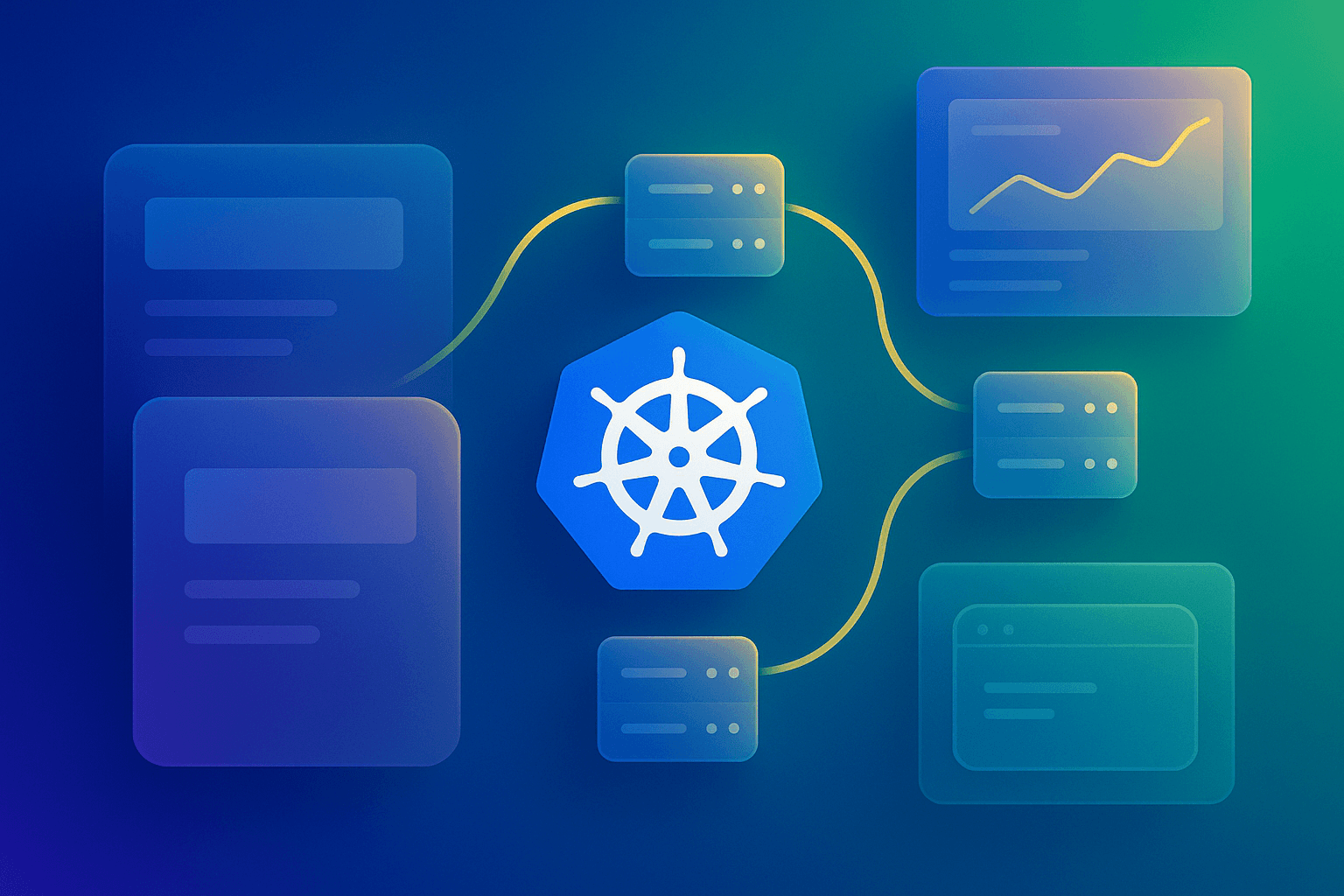
Next, plan the architecture for using a Kubernetes scalable web with clarity. Start with a high-level diagram that shows:
- Edge load balancer and CDN for static assets.
- Ingress controllers routing to services.
- Microservice clusters, separated by namespace.
- Data stores: managed databases and object storage.
Then, integrate CI/CD pipelines and IaC. Use Terraform for cloud resources and Helm for app packaging. Consider service mesh for observability and traffic control. For NZ, pick cloud regions near Auckland or Wellington to cut latency. Also, adopt a multi-cluster or multi-region strategy for disaster recovery. Finally, document failure modes and recovery playbooks. That boosts reliability and helps stakeholders measure ROI and uptime improvements when using the Kubernetes scalable web.
Configuration & Tooling
Now, set up tooling and prerequisites to deploy. Required items include:
- kubectl for cluster control.
- Helm for chart management.
- Docker or a compatible build system.
- Terraform for infrastructure as code.
- Prometheus and Grafana for metrics and dashboards.
Additionally, add Cert-Manager for TLS and Traefik or NGINX Ingress. For security, enable pod security policies and use RBAC. For logging, consider EFK or managed alternatives like Logz.io. Also, choose a managed Kubernetes service such as GKE, EKS, AKS, or a local NZ provider. Finally, ensure your CI system can build container images and push to a registry near your cloud region to reduce deployment latency.
Development & Customisation
This section provides a step-by-step guide that yields a tangible deployment. First, scaffold a simple web app and containerise it. Second, create a Kubernetes Deployment and Service to run three replicas. Third, deploy using Helm and verify traffic through an Ingress. Follow these steps:
- Build a Docker image for your app and push to a registry.
- Create a namespace and apply manifests.
- Install an Ingress controller and configure TLS with Cert-Manager.
- Use Helm to manage release versions and rollbacks.
Example deployment YAML:
apiVersion: apps/v1
kind: Deployment
metadata:
  name: web-app
spec:
  replicas: 3
  selector:
    matchLabels:
      app: web
  template:
    metadata:
      labels:
        app: web
    spec:
      containers:
      - name: web
        image: nginx:stable
        ports:
        - containerPort: 80
Then, deploy with Helm and test traffic routing. Use feature branches and preview environments to validate UI/UX changes. This results in a working, scalable web app on Kubernetes ready for load testing.
Advanced Techniques & Performance Tuning
Performance matters when using a Kubernetes scalable web at scale. Start with resource requests and limits to avoid noisy neighbours. Then, tune probes for faster failure detection. Also, leverage the Horizontal Pod Autoscaler with custom metrics. Next, use node pools with different instance types for cost optimisation. In addition, enable cluster autoscaler to add or remove nodes dynamically. For latency-sensitive NZ users, use regional endpoints and CDNs. Moreover, profile CPU and memory with Prometheus. Finally, implement connection pooling and caching layers to reduce backend load. Example autoscaler hint:
# Scale based on CPU usage
kubectl autoscale deployment web-app --cpu-percent=70 --min=3 --max=10
These steps cut latency, lower costs, and improve user experience at high concurrency.
Common Pitfalls & Troubleshooting
Many teams hit predictable issues when using the Kubernetes scalable web. First, misconfigured probes can mask unhealthy pods. Second, missing resource limits cause node OOMs. Third, DNS and network policies often block service discovery. Fourth, image pull errors appear when registry permissions are wrong. Troubleshoot with these steps:
- Run kubectl describe and kubectl logs to inspect pods.
- Check events for scheduling or OOM errors.
- Verify ClusterRole, ServiceAccount, and RBAC if permissions fail.
- Confirm Ingress rules and DNS records for traffic issues.
Also, use observability tools like Jaeger or OpenTelemetry for tracing. Finally, keep a runbook with quick fixes and escalation steps to reduce MTTR.
Real-World Examples / Case Studies
Below are condensed case studies that show ROI for using Kubernetes Scalable Web.
- Case 1: An NZ ecommerce site moved to Kubernetes and halved page latency by using edge CDN and autoscaling.
- Case 2: A local SaaS reduced deploy time from hours to minutes by adopting Helm and a GitOps workflow.
- Case 3: A digital agency used multi-tenant namespaces and saved 30 per cent on cloud spend by rightsizing node pools. In each example, metrics improved as follows:
- Uptime increased to 99.95 per cent.
- Deployment frequency rose by 4x.
- Cost per request decreased through autoscaling.
These stories show practical benefits for developers and business owners. They illustrate how observability and automation combine to deliver measurable ROI.
Future Outlook & Trends
Looking forward, the landscape around Using Kubernetes Scalable Web will evolve. Serverless containers and Knative will gain traction for event-driven workloads. Also, platform teams will codify policies using policy-as-code tools like OPA. Moreover, AI-assisted ops will suggest autoscaling and resource changes. For NZ companies, expect tighter regional compliance and more local hosting options. Finally, edge computing will push parts of workloads closer to users to cut latency. To stay ahead, invest in training, observability, and IaC. Adopt a platform mindset that enables teams to self-serve safely while maintaining governance.
Comparison with Other Solutions
Compare Kubernetes with other orchestration options to choose the right fit.
| Solution | Strengths | Weaknesses | Best for |
|---|---|---|---|
| Kubernetes | Extensible, large ecosystem, multi-cloud | Complex setup, steeper learning curve | Microservices, large-scale apps |
| Docker Swarm | Simplicity, tight Docker integration | Smaller ecosystem, less enterprise tooling | Small clusters, quick prototypes |
| AWS ECS / Fargate | Managed, integrated with AWS services | Vendor lock-in, limited portability | Teams on AWS seeking simple operations |
| HashiCorp Nomad | Simple scheduler, multi-workload support | Smaller community than Kubernetes | Polyglot workloads needing simple ops |
Checklist
Use this QA checklist before production:
- CI/CD pipelines validated for rollbacks.
- Resource requests and limits are set for all pods.
- Health probes and readiness checks configured.
- Autoscaling policies tested under load.
- Secure secrets management and TLS applied.
- Monitoring, logging, and alerting are in place.
- Disaster recovery and backups verified.
Key Takeaways
- Kubernetes enables resilient, scalable web apps with strong ecosystem support.
- Use IaC, Helm, and CI/CD to automate deployments and reduce risk.
- Measure performance with Prometheus and tune autoscalers and resources.
- Account for NZ-specific constraints like data residency and regional latency.
- Adopt a platform team approach to scale operations efficiently.
Conclusion
In summary, using Kubernetes to scale a web application unlocks operational agility and cost-efficiency for web teams. It provides autoscaling, resiliency, and rich observability when implemented correctly. For New Zealand organisations, consider regional hosting, privacy rules, and latency when designing your clusters. Start small with a single service and expand to multi-namespace clusters. Meanwhile, use managed services and proven tools to reduce toil. Finally, measure the business impact through uptime, deployment frequency, and cost per request. If you need help, Spiral Compute offers advisory, migration, and managed services to accelerate your journey. Begin by prototyping a cluster today and iterate toward a production-ready platform.