Preparing Your Website for Google Algorithm Changes
Introduction
Preparing your website for Google algorithm changes helps maintain stable rankings. These updates happen often. Google aims to reward quality and user experience. Recently, trends such as core web vitals and AI-driven search have gained prominence. For New Zealand businesses, this matters hugely. Kiwi users expect fast, mobile-friendly sites. Local compliance with privacy laws boosts trust, too. Moreover, freelancers and developers gain an edge by adapting early. This article guides you step-by-step. You will learn foundations, tools, and best practices. Consequently, your site thrives amid changes. Expect higher engagement and cost-efficiency. Let’s dive in.
The Foundation
Core concepts form the bedrock. First, grasp EEAT: Experience, Expertise, Authoritativeness, and Trustworthiness. Google prioritises these. Next, focus on mobile-first indexing. Most Kiwi searches happen on phones. Ensure responsive design. Then, master page speed. Slow sites lose visitors. Use tools like PageSpeed Insights. Furthermore, semantic HTML structures content logically. Semantic tags like <article> and <section> help crawlers. Schema markup adds context, too. Implement JSON-LD for rich snippets. In NZ, prioritise HTTPS for security. This aligns with local data laws. Avoid thin content. Create valuable, original pages. Thus, you build resilience against updates. Performance ties directly to ROI. Faster sites mean better conversions.
Configuration and Tooling
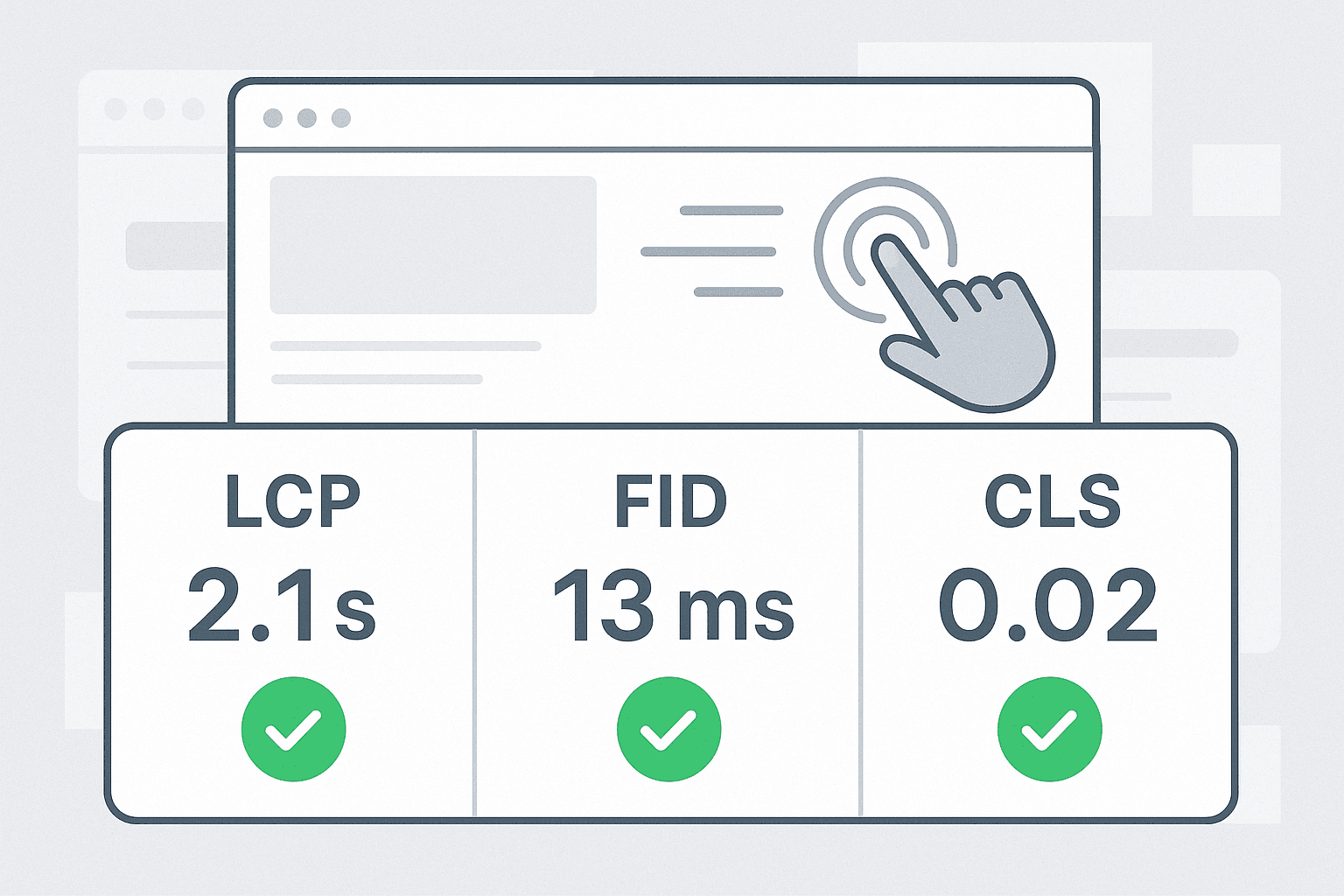
Select robust tools first. Start with Google Search Console for monitoring. It flags issues early. Pair it with Google Analytics 4 for user behaviour insights. For audits, use PageSpeed Insights and Screaming Frog SEO Spider. These reveal crawl errors. Lighthouse audits performance comprehensively. In NZ, consider Cloudflare for CDN speed boosts. It caches content locally. Next, set up core web vitals tracking. Tools like WebPageTest provide metrics. For prototyping, try Figma or Framer. Configure robots.txt wisely. Block unnecessary paths. Use .htaccess for redirects. Moreover, enable lazy loading in configs. These steps optimise efficiency. Result? Lower bounce rates and higher engagement.
Development and Customisation
Implement changes systematically. Follow these steps:
- Optimise images. Compress with TinyPNG. Add lazy loading:
<img src="image.jpg" loading="lazy" alt="Descriptive text">. - Minify CSS/JS. Use tools like Webpack. Example config:
const MiniCssExtractPlugin = require('mini-css-extract-plugin');
module.exports = {
  plugins: [new MiniCssExtractPlugin()],
}; - Leverage critical CSS. Inline above-the-fold styles for speed.
- Add structured data. Sample JSON-LD:
<script type="application/ld+json">
{
  "@context": "https://schema.org",
  "@type": "Organization",
  "name": "Spiral Compute Limited"
}
</script> - Test with a mobile emulator. Refine viewport meta:
<meta name="viewport" content="width=device-width, initial-scale=1">.
Customise for NZ audiences. Include a local schema for businesses. This enhances visibility. Performance improves ROI through faster loads. Users stay longer.
Real-World Examples / Case Studies
Consider a Kiwi e-commerce site. Before the updates, it ranked low. The team applied Google algorithm changes in prep. They optimised images and added schema. Result? 40% traffic boost. Core web vitals scored 95+. Another case: Freelance designer’s portfolio. Used Framer prototypes. Implemented lazy loading. Rankings jumped post-update. Visuals matter. Imagine a before-and-after screenshot: Cluttered page vs clean, fast version. For NZ compliance, a Wellington firm integrated cookie consent banners. This built trust. Engagement rose 25%. Success stems from integration. Tools like Cloudflare cut costs, too. These stories show real ROI. Adapt, and your site excels.
Checklist
Use this QA list for preparing your website for Google algorithm changes:
- Do: Audit site speed weekly. Use Lighthouse.
- Do: Update content regularly. Focus on EEAT.
- Do: Implement HTTPS and mobile optimisation.
- Don’t: Stuff keywords. Prioritise users.
- Don’t: Ignore core web vitals. Aim for green scores.
- Do: Test on real devices. Check NZ mobile networks.
- Don’t: Overlook alt text. It aids accessibility.
- Monitor Search Console daily.
Tick these off. Your site stays robust.
Key takeaways
- Prioritise user experience and speed.
- Leverage tools like Search Console early.
- Implement structured data for visibility.
- Regular audits ensure compliance and performance.
Conclusion
Preparing your website for Google algorithm changes secures long-term success. You now have the foundation, tools, steps, and checklist. Act now. Test your site today. At Spiral Compute Limited, we help NZ developers optimise effortlessly. Contact us for tailored advice. Boost your rankings, engagement, and ROI. Future-proof your online presence.