API Gateway Reverse Proxy: Which to Use?
Introduction
The terms API Gateway and Reverse Proxy often get used interchangeably. Yet they fulfil different roles in modern web architecture. This article explains the differences. It helps developers, freelancers and tech-savvy business owners choose the right pattern for their needs. We focus on practical trade-offs, tools, and performance tuning. Also, the guide highlights New Zealand constraints such as data residency and regional latency. You will learn about third-party tools like NGINX, Envoy, Kong, AWS API Gateway and Cloudflare. The aim is clear: deliver decision-ready guidance and hands-on steps you can apply today.
The Foundation
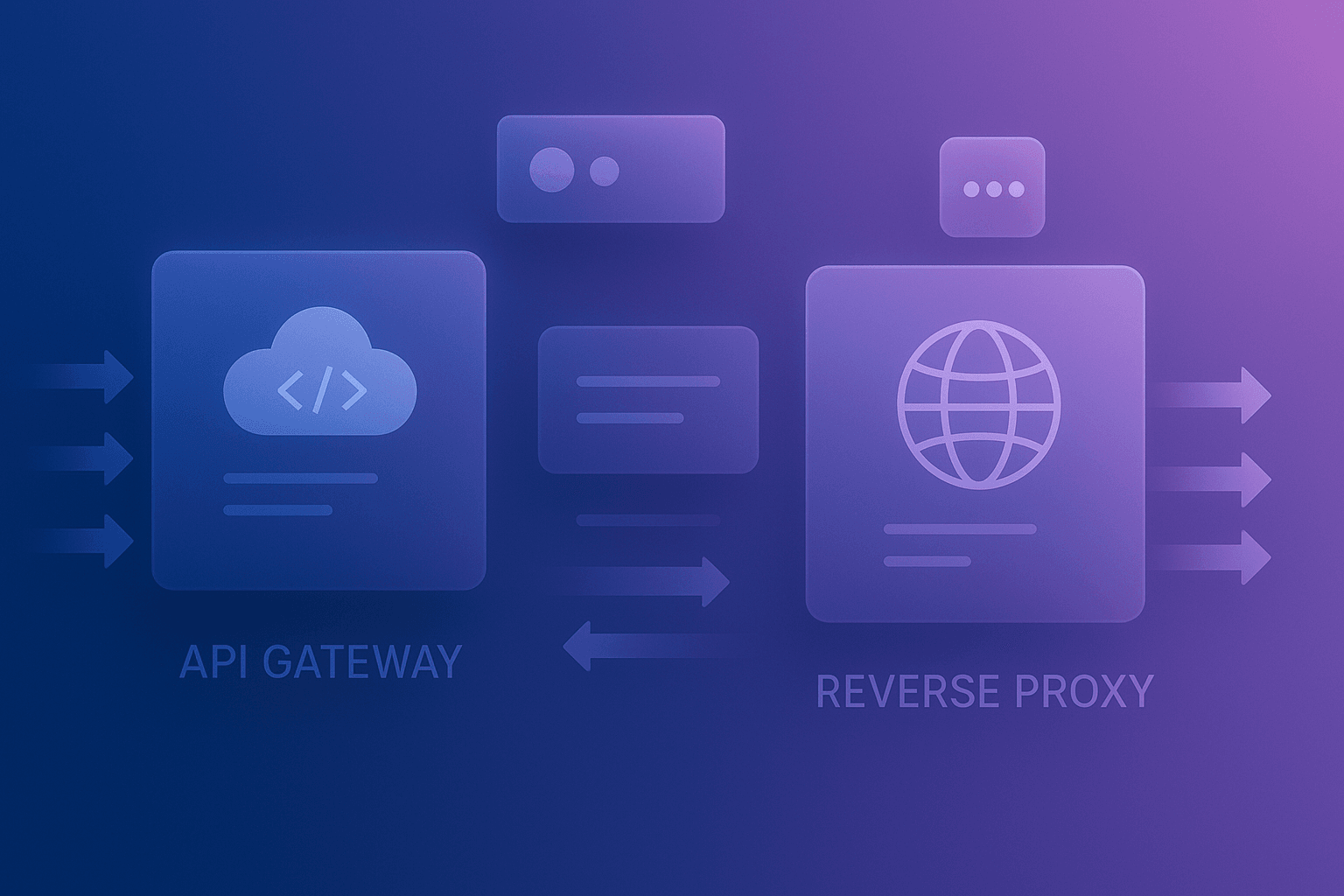
First, define core concepts. A reverse proxy sits between clients and servers. It forwards requests, caches responses, and balances load. An API Gateway adds API-specific features. These include authentication, rate limiting, request transformation and analytics. The combined keyphrase API Gateway Reverse Proxy captures the overlap. However, a gateway usually understands application-level semantics. By contrast, a proxy often focuses on transport and routing. Therefore, choose a reverse proxy when you need simple routing and performance. Choose an API gateway when you need centralised API management and observability.
Architecture & Strategy
Start with high-level planning. Identify public endpoints and internal services. Map authentication flows and SLA targets. Decide where to perform TLS termination and caching. Consider zones for New Zealand clients to cut latency. Use regional clouds or local providers to meet data residency rules. The phrase API Gateway Reverse Proxy matters here. You can combine both patterns. For example, use an edge reverse proxy for TLS and caching. Then route to an API gateway for business rules and metrics. This layered approach simplifies scaling and reduces the attack surface.
Configuration & Tooling
Choose tools that match your stack and team skills. Recommended options include:
- NGINX or HAProxy for high-performance reverse proxying.
- Envoy for service mesh and proxy features in Kubernetes.
- Kong, Tyk or AWS API Gateway for API management.
- Cloudflare or Fastly for edge caching and DDoS protection.
Set up prerequisites first. You will need TLS certificates, DNS records, and monitoring. For NZ deployments, validate the cloud region. Also, test routing across subnets and firewalls. Use automated configuration tooling such as Ansible, Terraform or Helm charts. Doing so ensures repeatability and faster recovery.
Development & Customisation
This section gives a step-by-step guide that produces a working outcome. We will create a simple reverse proxy with NGINX and then add an API Gateway route example with Kong. The steps assume a Linux host or VM and basic command-line skills.
- Install NGINX. Create a proxy configuration for an internal API.
- Start a sample backend service on port 5000.
- Configure Kong with a service and route to the backend.
- Test requests through NGINX and Kong to confirm behaviour.
Example NGINX config to reverse proxy to a backend:
server {
  listen 80;
  server_name api.example.nz;

  location / {
    proxy_pass http://127.0.0.1:5000;
    proxy_set_header Host $host;
    proxy_set_header X-Real-IP $remote_addr;
    proxy_http_version 1.1;
    proxy_set_header Connection "";
  }
}
Example curl test to verify the proxy:
curl -i "http://api.example.nz/health"After this, configure Kong. You can use Kong’s Admin API or a declarative file. This will add authentication, quotas and logging.
Advanced Techniques & Performance Tuning
Performance tuning often decides architectural choices. Use connection pooling and keep-alive to reduce socket overhead. Enable HTTP/2 or gRPC where supported to reduce latency. For caching, choose the right TTL and vary by headers or query strings. In New Zealand, choose edge locations or NZ-hosted providers to reduce RTT. The term API Gateway Reverse Proxy is relevant when you split concerns across layers for performance. Also consider:
- TLS offload at the edge to reduce CPU on backends.
- Use Brotli or gzip compression for payload reduction.
- Leverage CDN caching for static API responses.
- Measure with distributed tracing tools like Jaeger or Zipkin.
Finally, use upstream health checks and circuit breakers to maintain resilience under load.
Common Pitfalls & Troubleshooting
Teams often encounter similar mistakes. Misconfigured timeouts cause requests to hang. Incorrect header forwarding breaks authentication. Caching dynamic responses can cause stale data. Start debugging with basic checks:
- Confirm DNS resolves to expected IPs.
- Check TLS certificate chain for validity.
- Use curl with verbose output to inspect headers.
- Verify routing rules and host-based matching.
Common error messages include 502, 504, and 401. A 502 often points to backend crashes or wrong upstream addresses. A 504 indicates timeout mismatches. Use logs from both the proxy and the gateway. Also, enable request IDs to correlate logs end-to-end.
Real-World Examples / Case Studies
Here are concise examples showing patterns and ROI.
- Startup: Replaced a monolithic proxy with Kong.
- Result: 30% faster onboarding for new APIs and centralised auth.
- Enterprise: Deployed Envoy as a sidecar within Kubernetes.
- Result: Improved observability and 15% reduction in cross-service latency.
- Agency in NZ: Used local hosting for sensitive data.
- Result: Compliance with Privacy Act and lower latency for Wellington and Auckland users.
These case studies show clear business outcomes: faster time-to-market, fewer security incidents, and better monitoring. Use metrics like request success rate, latency p50/p95, and cost per API call to measure ROI.
Future Outlook & Trends
The API landscape keeps evolving. Expect stronger edge computing and distributed gateways. Service meshes will continue to mature with richer telemetry and security features. Vendors will push managed API platforms with tighter cloud integration. Also, AI-driven traffic management will become mainstream. For New Zealand teams, watch local hosting options and compliance-focused platforms. Finally, the combined concept API Gateway Reverse Proxy will remain useful as architectures blend edge and application-level controls.
Comparison with Other Solutions
This table compares common options. It helps you pick based on features, performance, and cost.
| Solution | Primary Use | Strengths | Considerations |
|---|---|---|---|
| NGINX | Reverse Proxy / Load Balancer | High performance, mature, flexible | Needs custom modules for API features |
| Envoy | Edge proxy / Service mesh | Advanced routing, observability | Operational complexity in older teams |
| Kong | API Gateway | Plugins, auth, analytics | Extra cost and management overhead |
| AWS API Gateway | Managed API Gateway | Scales well, integrates with AWS | Data residency and cost may be concerns |
| Cloudflare | Edge proxy / CDN | Global edge, DDoS protection | Proprietary features and vendor lock-in |
Checklist
Use this list when planning and deploying.
- Map public APIs and internal services.
- Select edge locations for NZ traffic if needed.
- Automate configs with Terraform, Ansible or Helm.
- Enable TLS and HTTP/2 where possible.
- Set sensible rate limits and quotas.
- Implement circuit breakers and retries.
- Monitor p50/p95 latencies and error rates.
- Audit access logs to meet Privacy Act obligations.
Key Takeaways
- Reverse proxies excel at fast routing and caching.
- API gateways excel at policy, auth and analytics.
- Combine both when you need edge performance plus API control.
- Choose tooling that matches team skills and compliance needs.
- Measure success with latency, error rates and operational cost.
Conclusion
Both patterns serve important roles. Use a reverse proxy for low-latency routing, TLS termination and caching. Use an API Gateway for centralised policy, authentication and analytics. Many teams benefit from a layered approach combining both. For New Zealand projects, factor in data residency and regional latency when choosing cloud regions. Start small, measure impact, and automate configuration. If you need help, Spiral Compute can assist with architecture, migration and optimisation. Reach out to improve speed, security and cost-efficiency for your APIs.