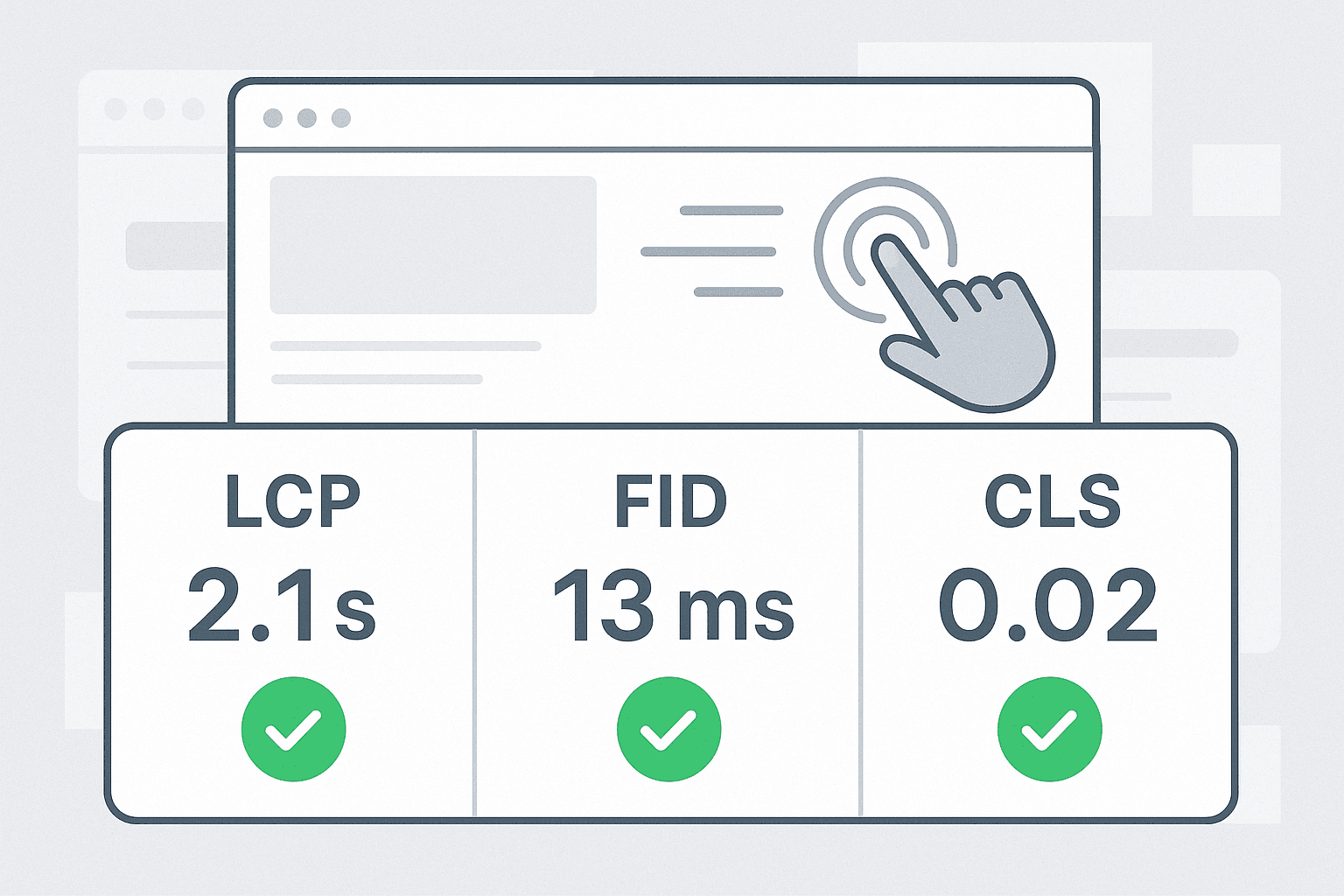
Advanced CSS techniques to improve LCP and CLS are essential for modern web performance. Firstly, Largest Contentful Paint and Cumulative Layout Shift directly affect user perception and search rankings. In New Zealand, fast pages matter for low-latency mobile users and for businesses competing in local search. This guide explains practical CSS patterns that reduce render blocking and prevent layout jumps. Additionally, it covers font loading strategies, critical CSS, responsive image handling and layout containment. The tone is practical, allowing you to apply the tips immediately. Experienced developers will find optimisation nuances, while beginners get clear steps. Moreover, we reference hosting and compliance considerations for NZ-based sites, such as local CDN edge presence and privacy-friendly analytics. Finally, expect concise examples and a checklist to follow during development and deployment.
The Foundation
Start with a baseline that prioritises stability and speed. First, inline only the minimal critical CSS needed to render above-the-fold content. Doing so reduces render-blocking and improves Largest Contentful Paint. Next, adopt CSS that avoids layout thrash: use fixed-size containers, aspect-ratio boxes, or CSS aspect ratio and object-fit for images. Additionally, use contain: layout paint where appropriate to constrain reflows. Also, reserve space for dynamic components like ads, embeds and carousels by setting explicit height, min-height or aspect ratios. For icons, prefer SVG sprites or inline SVG instead of icon fonts. Moreover, choose a consistent box model and avoid style recalculations during load. Finally, test locally with emulated slow connections and check the LCP element in your performance tools to verify improvements.
Configuration and Tooling
Good tooling makes CSS optimisation repeatable. Firstly, enable a build step that extracts critical CSS and defers non-critical styles via async loading or media queries. Use tools like webpack, Vite or Parcel to split CSS and generate preload hints. Secondly, configure your server or CDN to set proper cache headers for CSS and fonts. In New Zealand, pick a CDN with regional PoPs to reduce RTT for Kiwi users. Additionally, use a preconnect for font domains and apply font-display: swap to avoid invisible text. Use Lighthouse and WebPageTest to measure **Largest Contentful Paint** and **Cumulative Layout Shift** across devices. Finally, integrate performance budgets into CI pipelines so regressions trigger warnings early in the release process.
Development and Customisation
Advanced CSS techniques to improve LCP and CLS should be part of everyday development. Firstly, favour progressive enhancement: render core UI with minimal CSS, then layer enhancements. Secondly, implement responsive images with srcset and sizes, and use width/height or aspect ratio to reserve space, which helps reduce Cumulative Layout Shift. Use CSS Grid and Flexbox for predictable layout behaviour; avoid absolute positioning for primary content. Additionally, lazy-load offscreen images and iframes using loading=”lazy”, but reserve their space to prevent jumps. Moreover, add transitions intentionally: subtle animations improve perceived stability when done on transform or opacity rather than layout properties. Finally, employ browser APIs like ResizeObserver carefully; throttle handlers to avoid layout thrash and ensure smooth interactive experiences.
Real-World Examples / Case Studies
Advanced CSS techniques to improve LCP and CLS applied in practice deliver measurable gains. For instance, a Kiwi e-commerce site in Auckland inlined critical CSS for the product hero and deferred the rest; consequently, Largest Contentful Paint dropped by 40%. Another New Zealand news site added explicit image aspect ratios and switched to responsive srcset images; Cumulative Layout Shift fell below 0.02. In cloud-hosted environments, hosting CSS assets on a CDN with local PoPs in Australasia reduced time-to-first-byte. Additionally, swapping a heavy webfont for a variable font that shipped only needed axes led to faster font rendering and reduced FOIT. Finally, A/B tests confirm that small CSS changes often lead to better engagement, so iterate and measure with real user metrics where possible.
Checklist
Use this checklist during design, development and deployment to keep focus on both metrics. 1) Inline minimal critical CSS for above-the-fold content; 2) Preload key resources like hero images and fonts; 3) Reserve space with width/height or CSS aspect-ratio; 4) Use font-display: swap and preconnect font domains; 5) Lazy-load non-critical images and iframes but reserve their layout box; 6) Scope heavy animations to transform/opacity only; 7) Measure with Lighthouse, WebPageTest and Real User Monitoring; 8) Set up performance budgets in CI; 9) Choose a CDN with NZ/Australasia presence for Kiwi users; 10) Document design tokens that include size rules to prevent regressions. Key takeaways:
Prioritise critical CSS and reserved layout space to reduce LCP and CLS.
Use responsive images and font strategies to avoid render delays and jumps.
Automate checks and host assets close to users, especially in NZ.
Conclusion
Advanced CSS techniques to improve LCP and CLS give tangible benefits for usability and SEO. Start small by reserving image space and inlining essential CSS, then add tooling for critical CSS extraction and monitoring. Furthermore, NZ sites gain from CDNs with regional edges and careful font handling to match Kiwi user patterns. Keep changes measurable and iterate using real user metrics. Finally, share performance goals with designers, developers and stakeholders so the team values layout stability as much as aesthetics. With consistent practices, you will see both faster LCP times and lower CLS scores, which improve user satisfaction and business outcomes.
Learn how to prepare your WordPress site for massive traffic surges. This guide covers cloud architecture, advanced caching with Redis, and code-level optimisations to ensure your website remains fast and stable during critical events.Read More ...
Comprehensive guide to the Benefits Node.js Real-Time Web for developers and business owners. Includes architecture, tooling, code examples, NZ context and ROI.Read More ...
Discover how to build gamified learning systems using scalable EdTech architecture. This technical guide covers microservices, real-time performance, and essential tools for developers.Read More ...
A practical guide explaining why Node.js Ideal Scalable Backend designs excel for APIs and real-time services, with tooling, architecture, and NZ-specific advice.Read More ...
Discover how building ChatGPT-based tools internal to your business can revolutionise productivity. This comprehensive guide covers architecture, development, and advanced tactics for New Zealand organisations.Read More ...
We use cookies on our website to make your browsing experience seamless and personalised, ensure smooth navigation, and deliver essential website functionality.
Manage Cookie Preferences
We use cookies on our website to help you navigate efficiently and perform meaningful functions. You will find detailed information about all cookies under each consent category below.
The cookies that are categorised as "Essential" are stored on your browser, as they are essential for enabling the basic functionalities of the site.
We also use third-party cookies that help us analyse how you use this website, store your preferences, and provide the content and advertisements that are relevant to you. These cookies will only be stored in your browser with your prior consent.
You can choose to enable or disable some or all of these cookies, but disabling some of them may affect your browsing experience.
Essential cookies enable basic functions and are necessary for the proper function of the website.
Name
Description
Duration
Cookie Preferences
This cookie is used to store the user's cookie consent preferences.
30 days
Google Tag Manager simplifies the management of marketing tags on your website without code changes.
Name
Description
Duration
cookiePreferences
Registers cookie preferences of a user
2 years
td
Registers statistical data on users' behaviour on the website. Used for internal analytics by the website operator.
session
Statistics cookies collect information anonymously. This information helps us understand how visitors use our website.
Google Analytics is a powerful tool that tracks and analyzes website traffic for informed marketing decisions.
Contains information related to marketing campaigns of the user. These are shared with Google AdWords / Google Ads when the Google Ads and Google Analytics accounts are linked together.
90 days
__utma
ID used to identify users and sessions
2 years after last activity
__utmt
Used to monitor number of Google Analytics server requests
10 minutes
__utmb
Used to distinguish new sessions and visits. This cookie is set when the GA.js javascript library is loaded and there is no existing __utmb cookie. The cookie is updated every time data is sent to the Google Analytics server.
30 minutes after last activity
__utmc
Used only with old Urchin versions of Google Analytics and not with GA.js. Was used to distinguish between new sessions and visits at the end of a session.
End of session (browser)
__utmz
Contains information about the traffic source or campaign that directed user to the website. The cookie is set when the GA.js javascript is loaded and updated when data is sent to the Google Anaytics server
6 months after last activity
__utmv
Contains custom information set by the web developer via the _setCustomVar method in Google Analytics. This cookie is updated every time new data is sent to the Google Analytics server.
2 years after last activity
__utmx
Used to determine whether a user is included in an A / B or Multivariate test.
18 months
_ga
ID used to identify users
2 years
_gali
Used by Google Analytics to determine which links on a page are being clicked
30 seconds
_ga_
ID used to identify users
2 years
_gid
ID used to identify users for 24 hours after last activity
24 hours
_gat
Used to monitor number of Google Analytics server requests when using Google Tag Manager
1 minute
Marketing cookies are used to follow visitors to websites. The intention is to show ads that are relevant and engaging to the individual user.
Google Maps is a web mapping service providing satellite imagery, real-time navigation, and location-based information.